How to unblock ChatGPT at school
A practical guide to understanding school blocks and safer alternatives when ChatGPT is restricted.

ChatGPT can be a powerful learning companion, but many schools implement blocks on it to protect students and manage network resources. If you’re trying to access ChatGPT at school and you’re blocked, you’re not alone. This article explains why those blocks exist, what you can do within policy, and safer, legitimate alternatives you can consider. It also covers how to approach requests for access in a constructive way.

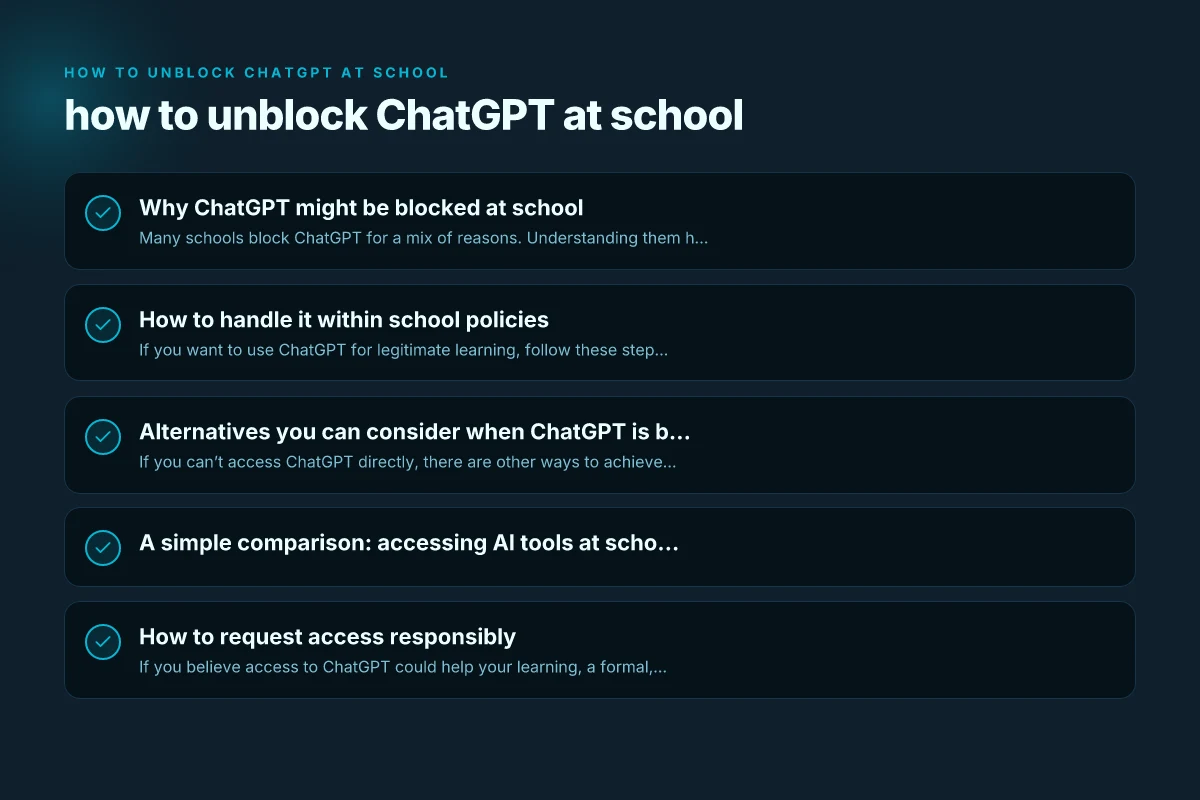
Why ChatGPT might be blocked at school
Many schools block ChatGPT for a mix of reasons. Understanding them helps you approach the situation respectfully and effectively.
Common reasons schools block ChatGPT
- Distraction: ChatGPT can tempt students to bypass assignments or study less if used inappropriately.
- Academic integrity: Concerns about plagiarism or unsupervised problem solving.
- Content control: Aiming to prevent exposure to inappropriate or off-topic material.
- Privacy and data handling: Worries about data collection and how student data is used.
- Network management: High usage during peak times can strain school Wi-Fi.
What “blocked” looks like
- A direct error message when trying to open chat.openai.com.
- A DNS or firewall block that prevents access to the domain.
- A policy note on the school’s acceptable use agreement (AUA) or IT portal indicating ChatGPT is restricted.
When blocks aren’t about control
Sometimes, blocks are temporary. IT maintenance, filter list updates, or a new security policy can briefly disrupt access. If you’ve just heard about a change, it might not be permanent.
How to handle it within school policies
If you want to use ChatGPT for legitimate learning, follow these steps to navigate the process respectfully and safely.
Check the school policy first
- Read the Acceptable Use Policy (AUP) or IT policy on the school’s site.
- Look for sections about AI tools, web browsing, and plagiarism.
- Note the process for requesting exceptions or new tools.
Talk to the right people
- Your teacher: Explain your assignment and why ChatGPT could help your understanding.
- The media specialist or librarian: They often handle digital tool access and can advise on approved resources.
- IT administrator or district tech staff: They can tell you whether an exception is possible and under what conditions.
Prepare a clear use-case
- Be specific about the assignment: “I’m working on a science report and want to verify concepts or generate summaries.”
- Outline how you’ll use it: as a tutor, a source of examples, or to check grammar, never to replace your own work.
- Address integrity: describe your plan to cite sources and avoid copying.
Propose safeguards and boundaries
- Use only for understanding, not for completing assignments.
- Verify information with teacher-approved sources.
- Keep a log of prompts and outputs for teacher review.
- Avoid sharing personal or sensitive information.
If access is approved, follow best practices
- Use it as a learning aid, not a shortcut.
- Cross-check with classroom materials and references.
- Respect limits set by teachers (timing, topics, or session length).
- Properly cite any content or ideas generated by ChatGPT.
Alternatives you can consider when ChatGPT is blocked
If you can’t access ChatGPT directly, there are other ways to achieve similar learning goals while staying within policy.
Use school-approved tools
- Online encyclopedias or educational databases provided by the school.
- AI tools that are explicitly allowed by your district (sometimes a sandbox or classroom version).
- Writing and grammar tools integrated into your LMS (Learning Management System).
Leverage human resources
- Ask your teacher for mini-tutorials or office hours to go over tough topics.
- Schedule time with a librarian for research help and recommended sources.
- Join study groups where you can discuss and explain concepts to each other.
Offline strategies that boost learning
- Create flashcards, mind maps, or practice problems on paper.
- Work through textbooks and worksheets before seeking digital help.
- Summarize what you learned in your own words. Then compare with textbook summaries.
Safe, alternative online resources (used with teacher guidance)
- Reputable educational sites the teacher approves.
- Open educational resources (OER) curated by the school or district.
- Documentation and tutorials from credible sources (official guidelines, APIs, or product manuals) as directed by your teacher.
A simple comparison: accessing AI tools at school (blocked vs. allowed)
| Scenario | What happens | Best use case | Risks and restrictions |
|---|---|---|---|
| Blocked, no exception | You cannot access ChatGPT at all during school hours | Use approved resources and teacher guidance to complete assignments | No direct access to the tool; rely on sanctioned methods |
| Blocked with exception approved | Teacher or IT grants supervised access; clear rules | Short, targeted use for learning under supervision | Must follow agreed boundaries; data handling may be restricted |
| Fully allowed tool with policy | No block, but you follow school rules | Deep, exploratory learning and practice | Need to cite sources and maintain academic integrity |
| Unclear policy | You request clarification or permission | Define acceptable use with teacher and IT | Potential delays; ensure you’re compliant during the wait |
How to request access responsibly
If you believe access to ChatGPT could help your learning, a formal, courteous request increases the chance of a favorable outcome. How to unblock Telegram at school
- Draft a short email or form entry: state who you are, your class, and why you need access.
- Include a concrete use case: “I want to use ChatGPT to generate practice problems and explanations for calculus, then verify with my teacher.”
- Address integrity and privacy: explain how you’ll cite information and avoid sharing personal data.
- Suggest safeguards: time limits, restricted domains, or supervised sessions.
- Offer alternatives: acknowledge you’ll use approved tools if access isn’t possible.
Example email structure: Subject: Request for supervised access to ChatGPT for [Class/Assignment] Hello [Teacher/IT], I’d like to request supervised access to ChatGPT to help with [specific task]. I understand the concerns about integrity and privacy. I propose to use it only for [defined uses], with citations and under [supervision/timeout]. If access isn’t possible, I’ll continue using approved school resources. Thank you for considering my request.
Risks to be aware of when attempting to bypass blocks
- Violating school policy: Trying to circumvent restrictions can lead to disciplinary action.
- Data privacy concerns: Entering personal data or school credentials into non-approved tools.
- Security risks: Using unblocked or unreliable proxy services can expose devices to malware.
- Academic integrity: Relying on AI outputs without understanding or proper attribution.
If you’re tempted to unblock through methods like VPNs, proxies, or altering network settings, pause. These methods can violate IT policies and expose you to bigger risks. It’s not worth jeopardizing your academic standing or the school network.
Final recommendation
The most reliable path to using ChatGPT at school is to follow the school’s policies and seek an approved route. Start by talking to your teacher or the librarian to understand the intended use and whether an exception can be granted. If an exception isn’t possible, you still have robust, legitimate alternatives: using teacher-approved tools, leveraging classroom discussions, and practicing with offline methods that reinforce your learning. When in doubt, always prioritize integrity, privacy, and safety. This approach helps you get the learning benefits you’re after while respecting school rules and keeping you on solid academic footing.