How to unblock Telegram at school
A practical guide to accessing Telegram at school while staying safe and respectful of policies.

Telegram is a popular messaging app, but many schools block it on campus networks. If you’re trying to access Telegram for legitimate reasons, class discussions, group projects, or staying in touch with classmates, you’ll want to approach this carefully. It’s important to respect school policies and use ethical, legal methods whenever possible. Below is a practical guide to navigating Telegram access at school, with clear options and considerations.

Understanding why Telegram is blocked
Before attempting any workaround, it helps to know why it’s blocked. Common reasons include:
- Network security concerns or bandwidth management
- Distraction concerns during class time
- Policies that limit non-educational apps on the school network
- Compliance with local laws or school guidelines
Knowing the rationale can help you choose the most appropriate approach and communicate more effectively with staff.
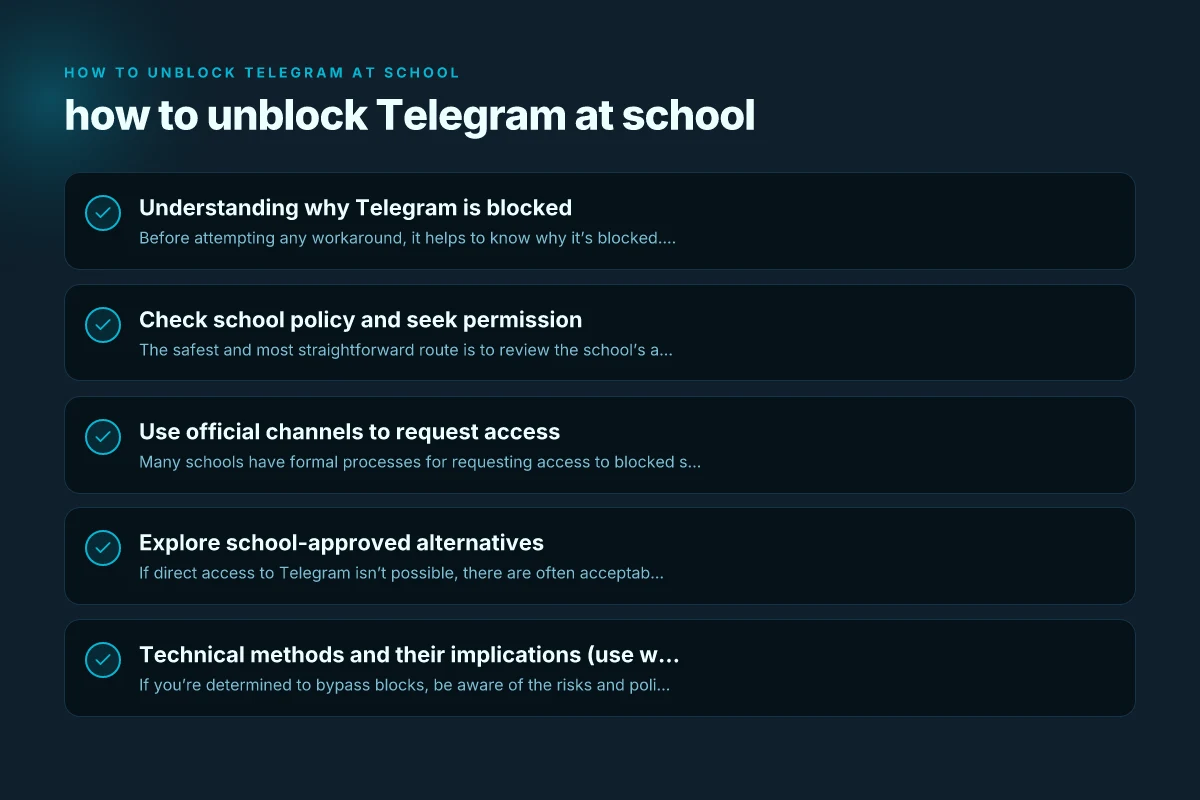
Check school policy and seek permission
The safest and most straightforward route is to review the school’s acceptable use policy (AUP) or technology guidelines. Look for sections about:
- Allowed and restricted apps or services
- Procedures for requesting access to blocked tools
- Consequences for policy violations
If Telegram isn’t listed as permitted, consider:
- Asking a teacher, IT administrator, or school counselor about the specific restrictions
- Proposing a time-bound or purpose-specific exception (e.g., for a group project)
- Asking if there’s a school-approved alternative (like an education-focused chat platform)
A polite, clear request is more likely to yield a productive conversation than a casual attempt to bypass the network. How to unblock WhatsApp at school
Use official channels to request access
Many schools have formal processes for requesting access to blocked services. Steps might include:
- Filling out an IT support ticket or forms
- Providing a legitimate educational reason (project, club, research)
- Proposing a monitoring or usage limit (e.g., during study periods or after school)
Tips for a successful request:
- Be concise about the educational purpose
- Offer a plan for responsible use and data privacy
- Include a timeline (start and end dates) for the access
- Be prepared for a “no” or a conditional “yes”
If approved, your school may provide a controlled environment or use a whitelist approach, where only certain services are permitted.
Explore school-approved alternatives
If direct access to Telegram isn’t possible, there are often acceptable substitutes that meet similar needs:
- Microsoft Teams or Google Classroom for class-related communication
- School-provided messaging apps that are vetted by the IT department
- Email or School Portal announcements for official updates
- Collaboration tools like Google Docs, Sheets, or Slides for group work
Advantages of alternatives: How to unblock Twitter at school in 2026
- They’re typically already sanctioned and maintained by the school
- Better integration with grades, assignments, and attendance
- Often have robust privacy controls and compliance features
Discuss these options with your teacher or IT staff to find the best fit for your class.
Technical methods and their implications (use with caution)
If you’re determined to bypass blocks, be aware of the risks and policy violations. This section explains common approaches and why they can backfire. It’s presented for awareness, not as a step-by-step guide to circumvent restrictions.
Common categories you might hear about:
- VPNs (Virtual Private Networks): They tunnel traffic through a remote server. Risks include policy violations, potential exposure to malware if using unreliable services, and often VPNs are restricted on school networks.
- Proxies or SSH tunneling: Similar to VPNs but can be more detectable and bounce traffic unpredictably. More complex to manage and can violate rules.
- DNS changes or web proxies: May bypass certain blocks but can introduce security concerns and be inconsistent or unstable.
- Personal devices on guest networks: Some schools offer guest Wi‑Fi with limited access. Others do not.
Ethical and practical concerns:
- Bypassing blocks can violate the student code of conduct and IT policies.
- If detected, consequences may include loss of network access, device restrictions, or disciplinary action.
- Even if you succeed, you may miss important security updates or monitoring that protects you and the school network.
Because of these risks, we strongly discourage attempting to bypass restrictions without explicit permission from school authorities. How to unblock Pinterest at school in 2026
Best practices for privacy and responsible use
If you obtain permission or use sanctioned tools, follow these guidelines to protect yourself and your school community:
- Use strong, unique passwords and enable two-factor authentication where possible
- Respect group norms: don’t share sensitive information or engage in disruptive behavior
- Keep work-related communications on topic and professional
- Limit personal use during class unless explicitly allowed
- Log out on shared devices and avoid saving passwords on school machines
- Report any security concerns or suspicious activity to IT staff
These practices help maintain trust with teachers and admins and keep your information safer.
A practical comparison: seeking access vs. using alternatives
| Aspect | Accessing Telegram (via policy-approved route) | Alternatives (education platforms) |
|---|---|---|
| Policy alignment | High if approved; low if blocked without permission | High; designed for classroom use |
| Educational fit | Good for quick messages, file sharing, quick coordination | Excellent for assignments, collaboration, teacher integration |
| Privacy controls | Dependent on school’s setup and Telegram’s own settings | Usually controlled by school admin; clearer privacy expectations |
| Risk level | Moderate to low if approved; high if attempting bypass | Low if using sanctioned tools with guidelines |
| Maintenance | Depends on IT policy; may require periodic re-approval | Stable with ongoing IT support and updates |
| Accessibility | Sometimes restricted; can be limited by school | Broad range of options with documented usage |
This table highlights that opting for policy-aligned access or, better yet, sanctioned alternatives tends to be the safest and most effective path for most students and teachers.
Final recommendations
- Start with communication: Talk to your teacher or IT administrator about your legitimate need for Telegram. A calm, well-reasoned request is your strongest move.
- Document your plan: When requesting access, outline how you’ll use Telegram for class activities, how you’ll protect privacy, and the time window you need.
- Be prepared for a “no” or a compromise: If Telegram isn’t allowed, ask about alternatives and how you can achieve your learning goals with approved tools.
- If you decide to use alternatives, align with the classroom workflow: Adopt tools your teacher already uses so you don’t miss messages or assignment deadlines.
- Maintain digital citizenship: Respect school policies, avoid circumventing restrictions, and use school networks ethically.
If you want, tell me more about your school’s policy or the specific class you’re in, and I can help tailor a plan or draft a message you can send to your teacher or IT department to request access or propose a suitable alternative.