How to unblock WhatsApp at school
Practical, ethical ways to access WhatsApp at school while respecting policies and safety.

WhatsApp is a popular messaging app used by students to stay in touch with friends, coordinate group projects, and share quick updates. When a school blocks WhatsApp, it can feel frustrating, especially if you rely on it for classwork or emergencies. This article provides a responsible, policy-aware look at why blocks exist, what you can do to stay connected, and safer alternatives. We’ll cover legitimate paths to access, how to discuss concerns with school staff, and best practices to maintain safety and productivity.

Why schools block apps like WhatsApp
Schools implement network restrictions to:
- Protect students from in-app purchases, distractions, or inappropriate content.
- Preserve bandwidth for instructional use and avoid downtime during lessons.
- Enforce digital citizenship, privacy, and security standards.
- Comply with district or state policies regarding device usage.
Blocking WhatsApp isn’t just about keeping students away from chat. It’s about creating an environment where learning isn’t disrupted and where personal data is handled responsibly. Understanding the rationale behind blocks can make it easier to approach the situation constructively rather than irritably.
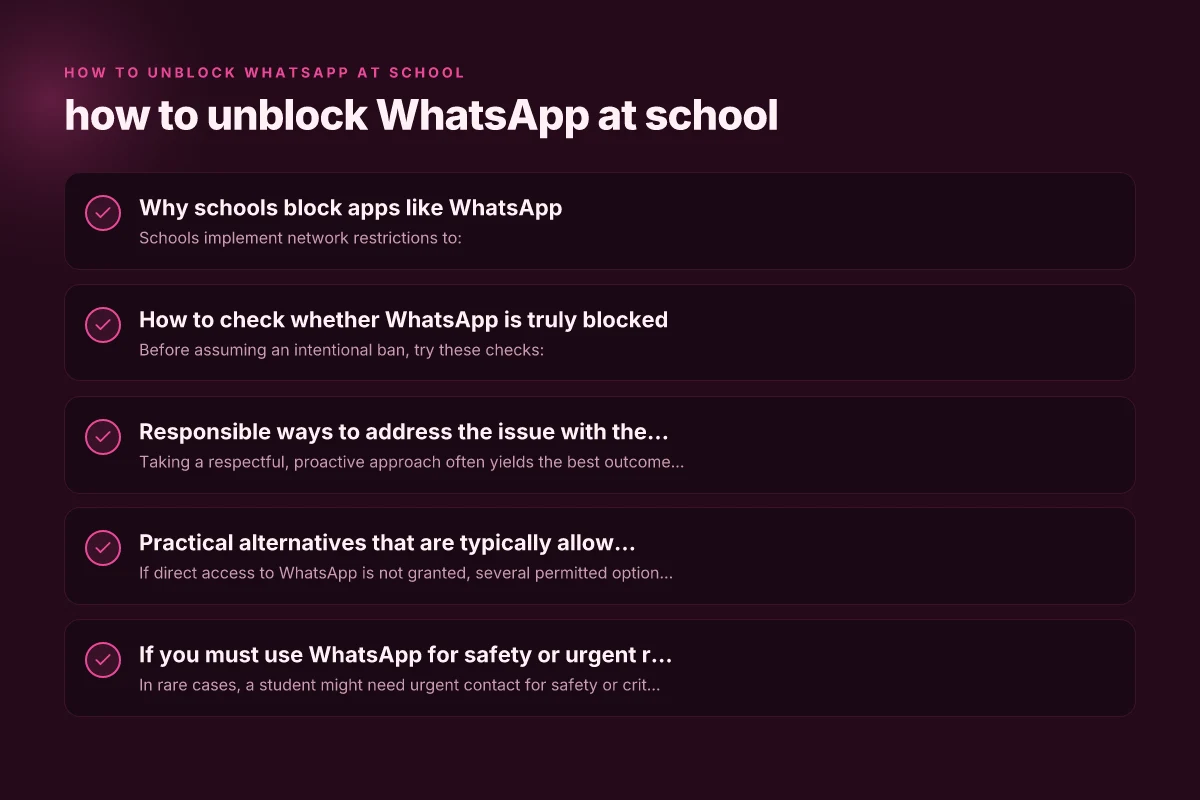
How to check whether WhatsApp is truly blocked
Before assuming an intentional ban, try these checks:
- Test on multiple networks: connect to the school Wi-Fi, a personal hotspot, or a public network to see if the app is consistently blocked.
- Access via the web: try WhatsApp Web or the app on a different device to determine if the issue is device-specific.
- Look for policy notes: some schools publish acceptable use policies or IT notices. Check the student handbook or IT department website.
- Ask a peer: another student may have a workaround or confirmation of the policy.
If you determine that WhatsApp is blocked on school networks, you can move forward with appropriate, policy-aligned steps.
Responsible ways to address the issue with the school
Taking a respectful, proactive approach often yields the best outcomes. Consider these options: How to unblock Twitter at school in 2026
- Speak with your teacher or IT administrator: Explain your legitimate needs (e.g., coordinating a group project, safety contacts for emergency planning) and ask about approved alternatives.
- Propose a time-limited usage plan: If your use is for class participation, request access during specific periods or for certain classes or devices.
- Suggest an approved messaging solution: Many schools authorize enterprise messaging platforms (Google Classroom, Microsoft Teams, or other district-approved apps) for class communications.
- Request a formal exception process: Some schools have review processes for temporary access due to project requirements or club activities.
Prepare a short, concrete case:
- What you need WhatsApp for (example: group project coordination).
- How long you’d need access (during class, after-school clubs, or specific days).
- How you’ll ensure responsible use (no sharing of personal contact info, abide by etiquette, avoid distractions).
Practical alternatives that are typically allowed
If direct access to WhatsApp is not granted, several permitted options can meet your needs:
- School-approved messaging platforms: Google Classroom, Microsoft Teams, Moodle, or other district-approved tools often include chat and file-sharing features with built-in security.
- Class-specific chat groups within a learning platform: Many platforms offer class-wide forums or channels for project coordination.
- Email for formal communication: It remains reliable for distributing documents and timelines.
- Club or project group tools: Platforms like Trello for project management, Slack (if approved), or Discord servers run by the school or student clubs (with teacher supervision) can be alternatives.
When switching to an approved tool, ensure you stay organized:
- Create a clear structure for the group (channels, threads, or folders).
- Set expectations for response times and etiquette.
- Keep all communications school-appropriate and professional.
If you must use WhatsApp for safety or urgent reasons
In rare cases, a student might need urgent contact for safety or critical information. Here’s how to handle it responsibly:
- Contact the school’s front desk or guidance counselor: Explain the emergency or safety need and ask for an approved channel or temporary access.
- Use personal devices outside school hours: Ensure personal devices aren’t used to bypass school policies during school time.
- Document the need: If you are requesting access on a temporary basis, keep a record of the request and the approval or refusal decision.
Note: Bypassing security measures or using workarounds can violate school policy and lead to disciplinary action. It also risks your personal data security and may be illegal in some contexts. Always prefer official channels. How to unblock Pinterest at school in 2026
A side-by-side look: blocked vs. alternative approaches
| Approach | What it involves | Pros | Cons | Suitable for |
|---|---|---|---|---|
| Requesting official access | Speak to staff; get approval or designated tool | Aligns with policy; safer; transparent | Might take time; no guarantee | Class projects, clubs with teacher oversight |
| Using school-approved platforms | Move communications to sanctioned apps | Clear rules; integrated with grades/assignments | May require adaptation; some apps have limits | All class communications |
| Personal devices with teacher oversight | Use personal devices under supervision, possibly after-hours | Flexibility; quick responses | Strict boundaries; possible policy violation | Emergencies, field trips, off-hours coordination |
| Attempting to bypass restrictions | VPNs, proxy sites, or hidden apps | Quick access, persistent connectivity | Violates policy; security risk | Not recommended; can lead to penalties |
Best practices for staying productive while WhatsApp is blocked
If you’re navigating a block, you can stay productive by:
- Planning projects in advance: Gather contact information and deadlines before the block takes effect, with teacher approval.
- Scheduling when and where to communicate: Use class time to coordinate with approved tools and minimize distractions.
- Keeping communications concise and respectful: Treat any school-approved platform as the official channel.
- Respecting privacy and safety: Do not share personal phone numbers in public groups and avoid containing sensitive information in chats.
How to have a constructive conversation about policies
A positive dialogue increases your chances of a workable outcome. Tips:
- Be prepared: Know your objective, the exact need, and proposed solutions.
- Be concise: Teachers and IT staff appreciate a focused request.
- Listen actively: Acknowledge concerns about policy and safety.
- Offer compromises: For example, propose class-specific groups with a designated moderator or time-limited access.
- Follow up in writing: After the conversation, summarize agreed steps and timelines.
Final recommendation
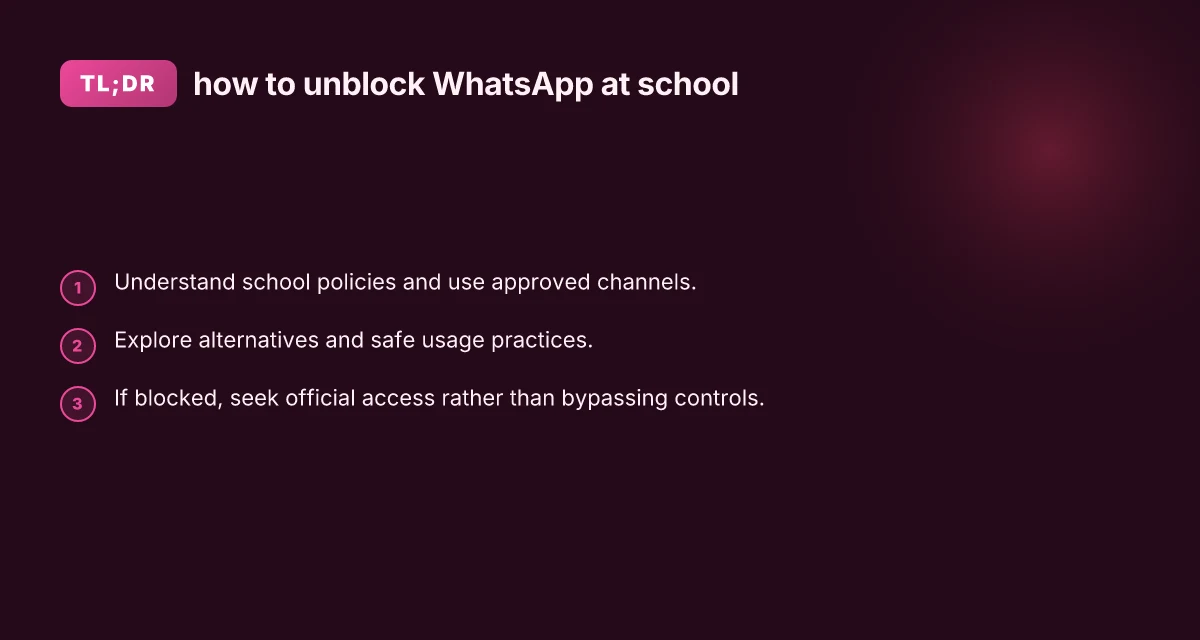
If WhatsApp is blocked at your school, pursue official channels first. Start with your teacher or IT administrator, present a clear, legitimate use case, and ask for an approved solution or exception process. If an official route isn’t available, switch to school-approved tools and organize your group work around those channels. Bypassing security measures can create risks for you and others and may lead to disciplinary actions. By approaching the situation transparently and respectfully, you’re more likely to find a practical path that supports your learning and keeps you in good standing with your school.