Spotify unblocked at school: what you can do and what to expect
A practical guide to understanding and navigating Spotify access at school, with safer alternatives and policy-aware tips.

Spotify unblocked at school: what it means and how to approach it
For students, Spotify is a popular way to listen to music, study playlists, and discover new artists. When a school network blocks Spotify, it can feel limiting. This guide breaks down why schools block or limit access, what “unblocked” could mean in practice, and safer, policy-aligned ways to enjoy music or focus during study.
Why schools block or restrict Spotify
- Bandwidth and network policy: Streaming can consume significant bandwidth, which can affect whole-classroom performance and other critical applications.
- Content and safety concerns: Schools aim to protect students from inappropriate content or distractions during class.
- Licensing and terms of use: On-school devices or networks, administrators need to ensure compliance with licensing agreements and institutional rules.
- Device management: Districts often manage devices with centralized policies that restrict installation or use of certain apps.
If your school blocks Spotify, the intent is not to punish you but to manage resources and safety. Understanding the underlying reasons helps you navigate possible options.
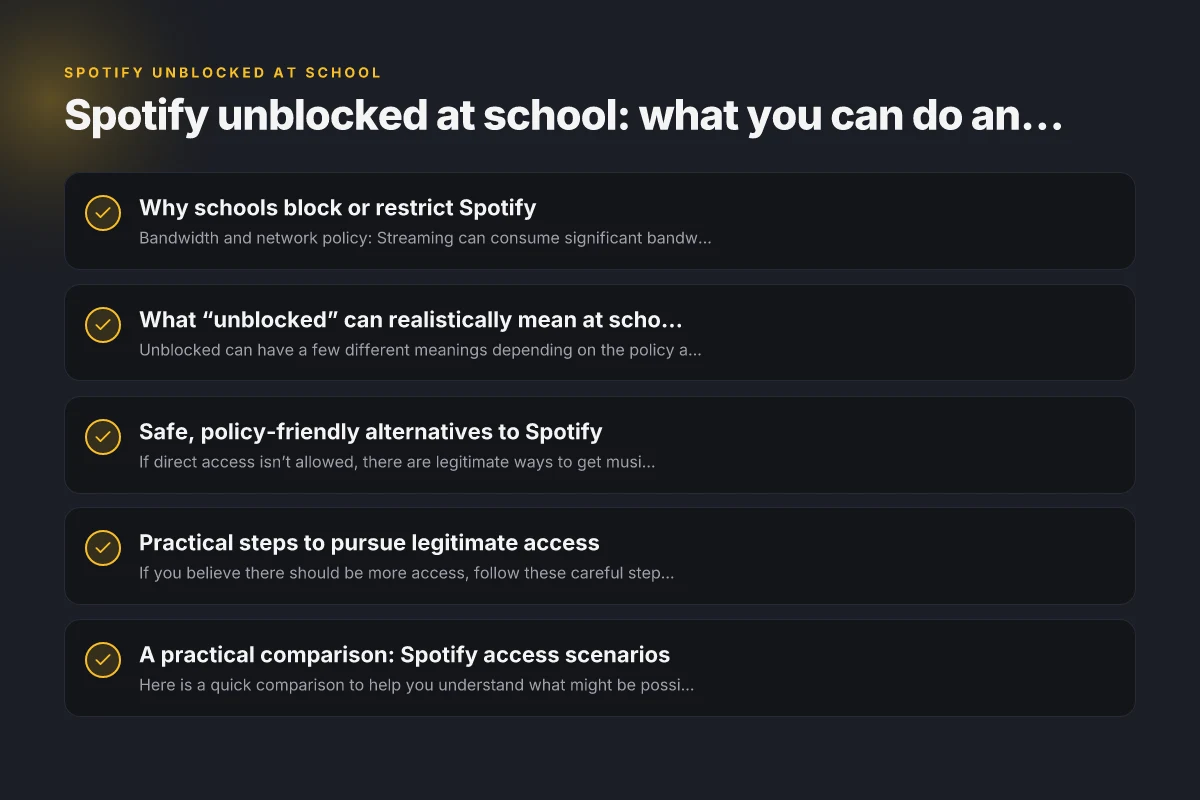
What “unblocked” can realistically mean at school
Unblocked can have a few different meanings depending on the policy and the network environment:
- Officially sanctioned access: Some schools enable a dedicated, monitored version of Spotify for classroom use or for student bulletin boards, with restrictions on explicit content or offline downloads.
- Playlists for focus time: Instead of full access, administrators might provide curated, pre-approved playlists suitable for studying.
- Personal devices on a guest or BYOD network: In some setups, students with personal devices may access certain music services on a guest network with limited bandwidth or time restrictions.
- Temporary exceptions: For projects or events, a teacher or IT admin might authorize temporary access.
If you’re curious, ask your teacher or the IT department about current policies. A short, respectful conversation is usually the fastest path to clarity.
Safe, policy-friendly alternatives to Spotify
If direct access isn’t allowed, there are legitimate ways to get music for studying or focus without violating school rules:
- School-approved apps: Some districts partner with educational platforms that include music or ambient sound options suitable for concentration.
- Royalty-free or licensed music: Use licensed ambient tracks or classical playlists from platforms that align with your school’s licensing agreements.
- Focus playlists on permitted services: Even if Spotify is blocked, other services might be allowed on the network. Check which apps are accessible.
- Offline study resources: Downloaded white noise, instrumental tracks, or nature sounds can be used offline on devices that permit such files.
- Creative alternatives: Curate a study playlist with public-domain or properly licensed music that your teacher approves.
Always verify what’s allowed on your network before downloading or streaming any content. Netflix unblocked at school
Practical steps to pursue legitimate access
If you believe there should be more access, follow these careful steps:
- Check the policy: Read your student handbook or school IT policy to know the exact stance on streaming and music apps.
- Talk to a teacher or librarian: They can clarify whether there are classroom-approved options or exceptions for projects.
- Contact IT support: Request information about any available music services that comply with licensing and bandwidth limits.
- Propose a trial program: If your class has a reason to use music, suggest a monitored, time-limited trial with explicit guidelines.
- Consider student accounts on school devices: Some schools allow accounts that restrict explicit content and usage to designated times.
Approaching creatively and respectfully increases the chance of a constructive outcome.
A practical comparison: Spotify access scenarios
Here is a quick comparison to help you understand what might be possible in your school setting.
| Scenario | Likely approval status | Typical restrictions | Best use case |
|---|---|---|---|
| Official school-approved Spotify | Possible in some districts | Explicit content blocked, limited features | Classroom projects, teacher-led playlists |
| Personal Spotify on school device | Rarely approved | Internet access restricted, installation blocked | Not recommended due to policy |
| Spotify on personal device on guest network | Sometimes allowed | Time or bandwidth limits, monitored usage | Focus playlists during independent study |
| No Spotify access | Common | No streaming on school network | Use offline resources or permitted apps |
If you have a specific scenario in mind, you can compare it to this table and discuss with school staff for a definitive answer.
How to maintain focus while music access is restricted
Even without direct Spotify access, you can keep your study flow intact with these strategies: TikTok unblocked at school: what you need to know and safer alternatives
- Use focus music that’s allowed: If your school permits, use playlists specifically labeled for focus or study within approved apps.
- Schedule listening breaks: Designate short, controlled times for listening that won’t disrupt class or learning.
- Create a distraction-free environment: Use noise-canceling headphones or ambient sounds from permitted sources to reduce background noise.
- Use time management tools: Techniques like the Pomodoro method can help structure study sessions with or without music.
- Share playlists responsibly: If teachers approve, collaborate on playlists that are appropriate for the classroom and aligned with policy.
These approaches help you stay productive even when music streaming isn’t fully available.
The long-term approach: policy-aware options and advocacy
If you feel strongly about access, consider a respectful advocacy path:
- Gather user stories: Collect how students would benefit from access for studying or collaboration.
- Propose a pilot program: Suggest a controlled trial with clear metrics: bandwidth usage, content controls, and success indicators.
- Get input from stakeholders: Involve teachers, librarians, IT staff, and administrators to ensure all concerns are addressed.
- Emphasize learning outcomes: Frame the request in terms of focus, mental health, and productivity, not just convenience.
A constructive, data-driven approach is more likely to lead to a policy adjustment than trial-and-error attempts.
Final recommendations
- Start with the official policy: Before attempting any workaround, confirm what is allowed on your school network and devices.
- Communicate with staff: A quick, respectful inquiry can save time and avoid policy breaches.
- Seek legitimate options: If there’s an approved solution or playlist, use it. If not, use permitted alternatives for study and focus.
- Respect licensing and safety: Streaming music on school networks is governed by licensing and safety rules. If something feels unclear, don’t proceed without authorization.
Bottom line: Spotify unblocked at school is not a universal guarantee. Access depends on the district’s policies, licensing, and bandwidth considerations. By starting with policy, speaking to the right people, and exploring approved alternatives, you can balance your study needs with school guidelines in a responsible way. Instagram unblocked at school: safe ways to access and use it responsibly